Disclosure: As an Amazon Associate, OfficialToddlerTech earns from qualifying purchases. This does not affect the price you pay.
If you’re shopping for a smart toy, the biggest challenge is often not finding something that looks educational—it’s avoiding the coding toy buying mistakes that leave parents with a toy that is too advanced, too screen-heavy, or not a fit for the way their child actually plays. The best choice depends on the child’s age, your home setup, and how much guidance you want to give.
That matters because “coding toy” can mean very different things. Some toys use physical blocks and on-screen feedback. Others are completely screen-free and rely on buttons, accessories, and simple sequencing. Below, we’ll walk through seven concrete mistakes, how to avoid them, and where two example products fit: Osmo Coding Starter Kit for iPad and Learning Resources Botley the Coding Robot 2.0.
Common Buying Mistakes
1. Buying for the label instead of the child’s actual readiness
One of the most common coding toy buying mistakes is assuming any toy labeled “coding” will be a good starting point. In reality, the right level depends on whether your child can handle sequences, follow directions, and stay with a challenge long enough to enjoy it. A toy that is too simple can become boring quickly, while one that is too complex can turn into frustration.
For example, a 5-year-old who likes hands-on play may do well with simple, repeatable coding tasks, while an older child may want more layered problem-solving. Age ranges help, but they are not the whole story. Think about attention span, comfort with trial and error, and whether your child prefers movement, screens, or physical pieces.
2. Overlooking what devices or accessories are required
Another easy mistake is assuming the box includes everything needed for play. Some coding toys are self-contained, while others depend on a compatible tablet or specific accessory setup. If you skip this check, you may end up with a toy that sits unopened until you buy something else.
Osmo Coding Starter Kit for iPad is a clear example. It includes the Osmo iPad base and reflector, but it also requires a compatible iPad that is not included. That makes it a better fit for families who already have the right tablet and want to add tactile coding play, not for families looking for a standalone toy.
Learning Resources Botley the Coding Robot 2.0 avoids that particular issue because it is ready to use without a tablet or phone. Still, it does require batteries, so it is worth checking whether you have what you need on hand before wrapping it as a gift.
3. Ignoring whether the toy matches your screen-time preference
Not every family wants the same balance between screen-based and screen-free play. A parent who wants to reduce device time may be disappointed by a toy that relies on an iPad. On the other hand, a child who is motivated by visual feedback might enjoy a toy that combines physical pieces with on-screen interaction.
This is where a lot of coding toy buying mistakes happen. Families often buy based on concept alone, then realize the format does not match their values or routines. Osmo Coding Starter Kit for iPad is more screen-based than unplugged coding toys, even though it uses physical coding blocks. Botley the Coding Robot 2.0 is the opposite: it is screen-free and built around push-button coding.
Neither format is automatically better. The right choice depends on how you want coding to fit into your home.
4. Choosing a toy with a difficulty curve that does not fit your child
Some coding toys are designed for progressive challenges, while others are built around simpler introductory activities. Buying the wrong curve can lead to buyer regret. A child who needs quick wins may struggle with a toy that ramps up too fast. A child who likes complexity may outgrow a toy with very basic tasks.
Osmo Coding Starter Kit for iPad is designed for progressive coding challenges and includes Coding Awbie, Coding Jam, and Coding Duo. That variety can help kids move through different types of problem-solving instead of repeating one simple task. Learning Resources Botley the Coding Robot 2.0 focuses more on beginner-friendly sequencing, logic activities, and interactive modes like obstacle detection and line following. It may feel more approachable for younger children, but some families may find the depth more limited over time.
When you compare toys, ask not just “Is this educational?” but “Will this stay engaging after the first week?”
5. Forgetting that storage and setup matter at home
Many parents focus on the coding feature and forget the practical side: where will the pieces go, and how long will setup take? That is one of the quieter coding toy buying mistakes, but it can make a toy much less enjoyable in daily life.
Osmo Coding Starter Kit for iPad uses small coding pieces that need organized storage. If your home is already full of tiny parts, that detail matters. Botley the Coding Robot 2.0 has a different kind of setup concern: it requires batteries, and accessory count can vary by the selected Amazon package. For gift buyers, that means the experience may differ depending on which package is chosen.
Before buying, picture the toy after the excitement fades. Will it be easy to reset for a second round, or will it become another item with parts scattered in a bin?
6. Expecting advanced programming from a beginner toy
Some parents hope a first coding toy will quickly lead to complex programming skills. That can create disappointment when the toy is really meant to introduce basic concepts like sequences, loops, patterns, and logic. A beginner toy can still be worthwhile, but only if expectations are realistic.
Botley the Coding Robot 2.0 introduces sequencing and logic through screen-free activities, but its coding depth is limited compared with more advanced app-based or block-coding options. If your goal is to explore early coding concepts in a simple way, that may be enough. If your child is already ready for more advanced block coding or something that grows into more complex programming, this toy may feel too basic.
The same principle applies to Osmo Coding Starter Kit for iPad. It introduces sequences, loops, patterns, and problem-solving, but it is still a starter kit. A good first coding toy is not the same thing as a full programming curriculum.
7. Buying without thinking about how the child will actually use it
The final mistake is focusing on features in isolation instead of the play pattern. Will your child use the toy independently? Do they like short challenges, or do they want open-ended experimentation? Do they enjoy working beside a parent, or do they prefer to figure things out on their own?
Osmo Coding Starter Kit for iPad can support solo or shared problem-solving, which may appeal to families who like to sit together and talk through each step. Botley the Coding Robot 2.0 is described as working well for short independent or parent-guided sessions, which may be better for children who like quick activities and simple goals. Matching the toy to the play style is often more important than chasing the fanciest feature list.
How to Avoid Them
The good news is that coding toy buying mistakes are easy to reduce once you shift from “What looks impressive?” to “What will actually work in our home?” Start with the basics: the child’s age, their patience for trial and error, your screen-time preference, and whether the toy needs a tablet, batteries, or extra accessories.
Then use a simple filter. If you want a tactile toy with visual feedback and you already own a compatible iPad, Osmo Coding Starter Kit for iPad may be a strong match. If you want a screen-free introduction to sequencing and logic, Learning Resources Botley the Coding Robot 2.0 is the more direct fit.
Also think about the long game. A toy can be a strong starter option even if it does not offer advanced coding later. What matters is whether it gives your child a clear, enjoyable first step.
Product Examples
Osmo Coding Starter Kit for iPad
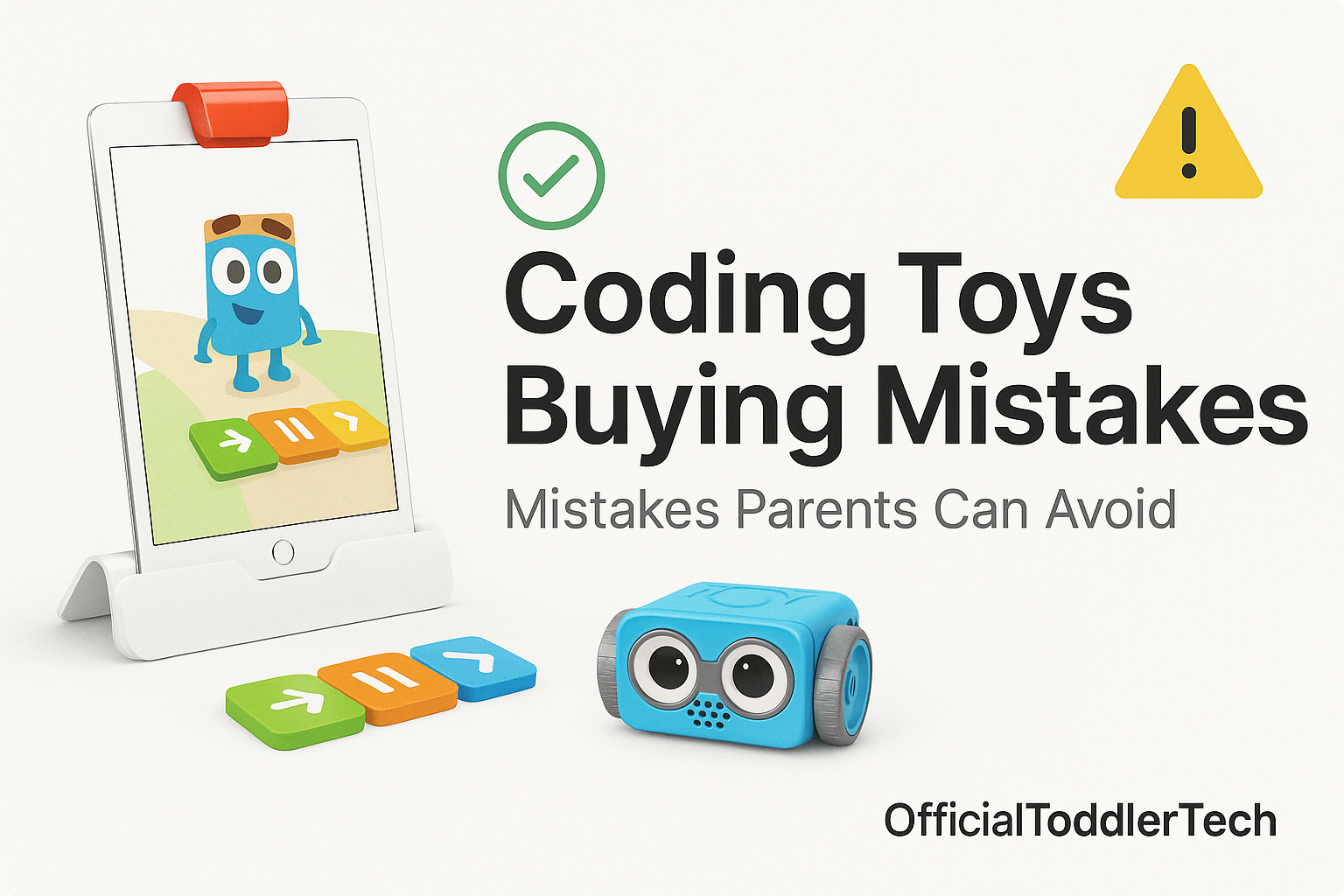
Osmo Coding Starter Kit for iPad is built around physical coding blocks that interact with iPad games. It includes Coding Awbie, Coding Jam, and Coding Duo, and it introduces sequences, loops, patterns, and problem-solving through progressive coding challenges. The Osmo iPad base and reflector are included, and no Wi-Fi is required during normal gameplay.
This kit makes the most sense for families who already have a compatible iPad and want a tactile coding experience with clear visual feedback. The combination of physical pieces and on-screen response can help some beginners understand the idea of planning steps before acting. It can also support solo or shared problem-solving, which is helpful if you want to sit beside your child and talk through the challenge.
The main tradeoff is practical: the iPad is not included, compatibility should be checked before purchase, and the small coding pieces need organized storage. It is also more screen-based than a fully unplugged toy. In other words, it is a smart buy for the right household, but one of those coding toy buying mistakes is assuming it fits every family automatically.
If that setup matches your home, it may be worth a closer look.
Check Price on Amazon →Learning Resources Botley the Coding Robot 2.0
Learning Resources Botley the Coding Robot 2.0 is a screen-free beginner coding robot designed for sequencing and logic activities. It uses push-button coding, includes obstacle detection and line-following modes, and adds interactive lights and sounds along with coding cards and activity accessories. It is ready to use without a tablet or phone.
This is a practical choice for younger kids or for families who want a coding toy that does not require a screen. The simple controls make it approachable, and the activities can work well for short independent or parent-guided sessions. That makes it appealing if you want a first coding toy that feels manageable rather than intimidating.
The limitation is also clear: its coding depth is more limited than what you would get from more advanced block-coding or app-based options, and children may outgrow the basic activities. It also requires batteries, and accessory count varies by the selected Amazon package. If you want a screen-free starter toy with a straightforward setup, it is a sensible option. If you are hoping for advanced programming later on, it may not be enough on its own.
Check Price on Amazon →Pre-Purchase Checklist
- Confirm the child’s age and whether the toy matches their attention span and patience level.
- Check whether a tablet, phone, batteries, or other accessories are required.
- Decide whether you want screen-free play or a mix of physical pieces and screen feedback.
- Look for the toy’s coding depth: beginner sequencing, loops and patterns, or something more advanced.
- Think about storage for small parts and how easy it will be to reset for the next play session.
- Consider whether the child will play independently, with a parent, or in a shared setting.
- Read the package details carefully so you know exactly which pieces or accessories are included.
Using a checklist like this keeps the focus on fit rather than novelty. That is the simplest way to avoid the most frustrating coding toy buying mistakes.
Frequently Asked Questions
What age is best for a first coding toy?
Based on the supplied product information, both example toys are aimed at children starting around age 5. The better choice depends more on your child’s readiness for simple sequencing, device use, and play style than age alone.
Should I buy a screen-free coding toy or one that connects to a tablet?
Neither option is automatically better. Screen-free toys like Botley the Coding Robot 2.0 are helpful if you want a simple, unplugged introduction. A tablet-based toy like Osmo Coding Starter Kit for iPad can appeal to kids who benefit from visual feedback and hands-on pieces interacting with on-screen play.
Will a beginner coding toy keep my child busy for a long time?
Not necessarily. Beginner toys are designed to introduce concepts, not replace all later learning. Some children will stay engaged longer if the toy offers variety or progressive challenges, while others may outgrow basic activities fairly quickly.
Do I need to buy the most advanced toy to teach coding?
No. A first coding toy should be matched to the child’s current level. If the toy is too advanced, it can feel discouraging. If it is too simple, it may not hold interest. The goal is a manageable entry point.
What is the biggest mistake parents make when choosing a coding toy?
The biggest mistake is assuming the toy itself matters more than the child and the home setup. In practice, fit matters most: screen preference, required devices, storage, and how much complexity your child is ready for. Those are the details that prevent buyer regret.
Bottom Line
The easiest way to avoid coding toy buying mistakes is to focus on fit before features. A good starter toy should match the child’s age, your family’s screen-time preference, and the level of guidance you want to give. It should also be practical in your home, whether that means checking iPad compatibility, buying batteries, or making room for small parts.
Osmo Coding Starter Kit for iPad is a strong example for families who already own a compatible iPad and want physical coding blocks with on-screen feedback. Learning Resources Botley the Coding Robot 2.0 is a better example for families who want a screen-free, beginner-friendly robot with simple controls. Both can introduce coding concepts in a useful way, but each has tradeoffs that matter.
When you keep those tradeoffs in view, you are much less likely to buy a toy that looks great on paper and disappoints in real life. That is the real fix for the most common coding toy buying mistakes.
Last updated: June 2026
OfficialToddlerTech participates in the Amazon Services LLC Associates Program. As an Amazon Associate, we earn from qualifying purchases. Product prices and availability may change. Please check the retailer page for the latest details.